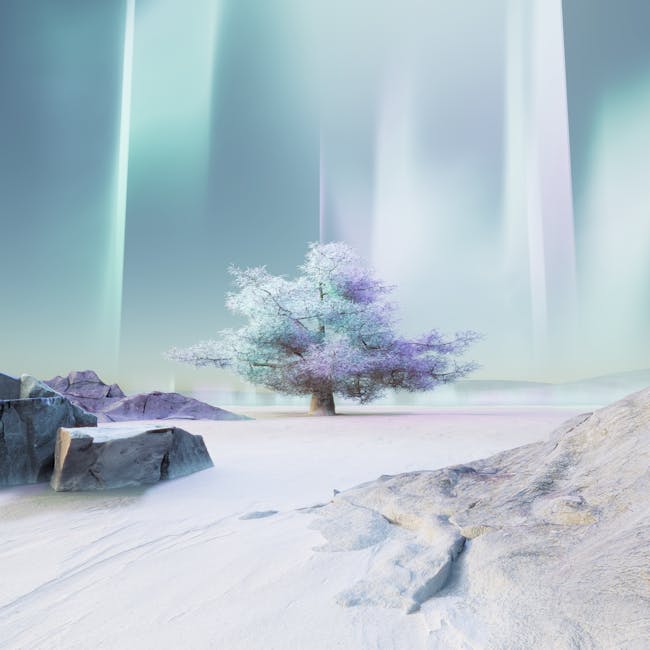
Ever scrolled through social media and stopped dead, staring at an image that just *screamed* “futuristic dream”? You know, the one where a neon-drenched city meets a mystical forest, all rendered in a style that’s somehow both hyper-realistic and painterly? That’s AI art doing its thing. And for many, the big question isn’t “how do they do that?” but “how can *I* do that?” It often feels like you need some secret code to get these amazing visuals, especially when you’re just starting with an AI image generator. But here’s a little secret: it’s less about coding and more about knowing how to chat with your digital assistant.
It’s easy to feel a bit lost in the sauce when you first encounter tools like Midjourney, DALL-E, or Stable Diffusion. You type something in, hit generate, and what comes back is… not quite what you pictured. Or maybe it’s just plain weird. We’ve all been there. It’s not your fault; it’s simply a new language you’re learning.
Understanding how to write effective AI image generator prompts for beginners isn’t about being a tech wizard. It’s about being descriptive, patient, and a little playful. Think of it as painting with words instead of brushes. You’re giving directions, and the AI is your incredibly talented, but very literal, assistant.
Why Everyone’s Hooked on AI Art (and Why You Should Be Too)
The buzz around AI image generation isn’t just hype. There’s a genuine reason so many people are diving in. For starters, it’s democratizing creativity. You don’t need years of art school or expensive software to bring your wildest ideas to life. Suddenly, the complex concept you had for a book cover or a game character is within reach, often in mere seconds.
It’s also about exploration. Many folks discover their own unique aesthetic through this process. It’s a sandbox for visual ideas. Some common misconceptions crop up here, though. People often ask, “Isn’t it just pressing a button?” or “Does it mean traditional artists are out of a job?”
Let’s clear those up.
AI generators are powerful tools, not magic wands. Your creative input, your vision, and your skill in crafting prompts remain at the core of making something truly special. Artists are using AI to enhance their work, not replace it. Think of it as a new medium, not a competitor.
The thrill comes from seeing your words transform into stunning visuals, pushing the boundaries of what you thought was possible. It’s truly a new kind of creative outlet.
Crafting Your First AI Prompts: Key Insights for Beginners
So, you want to move beyond the weird images and start getting what you actually want. The secret lies in understanding how AI models interpret your requests. They don’t read between the lines; they process what you give them.
Here’s a look at some common “bad” prompts versus “better” ones:
| The “Vague” Prompt | Why It Falls Short | The “Better” Prompt | Why It Works |
|---|---|---|---|
Dog |
Too general. Could be any dog, any style, any setting. | Fluffy golden retriever puppy, running through a sun-drenched field of sunflowers, hyperrealistic, cinematic lighting |
Adds subject, action, setting, style, and lighting. |
City |
No context. Which city? What mood? | Cyberpunk Tokyo street at night, neon reflections on wet pavement, cinematic, moody atmosphere, ultra HD |
Specifies style, location, time, mood, and quality. |
Fantasy art |
Extremely broad. “Fantasy” means different things to different people. | Epic medieval fantasy castle, surrounded by a swirling magical storm, dramatic lighting, digital painting, rich colors, intricate details |
Details the subject, surrounding elements, specific art style, and mood. |
The takeaway? Specificity is your friend.

Dissecting a Great Prompt
A good prompt usually has a few core components:
- Subject: What’s the main focus? (e.g., a knight, a spaceship, a flower)
- Action/Pose: What’s it doing? (e.g., riding a dragon, floating in space, blooming)
- Setting/Environment: Where is it? (e.g., a misty forest, on Mars, an ancient library)
- Style: How do you want it to look? (e.g., digital painting, photorealistic, anime, pixel art, watercolor)
- Lighting/Mood: What’s the feel? (e.g., dramatic, soft glow, moody, vibrant, neon)
- Details/Keywords: Any extra touches? (e.g., intricate armor, retrofuturistic, high resolution, volumetric fog)
You don’t need all these every time, but hitting a few makes a big difference.
Practical Steps to Becoming a Prompt Master
Ready to get your hands dirty? Here’s how to start turning those vague ideas into visual masterpieces.
1. Start Simple, Then Expand
Don’t try to cram everything into your first prompt.
- Begin with just the subject: `A red sports car`
- Then add the style: `A red sports car, photorealistic`
- Next, throw in a setting: `A red sports car on a winding mountain road, photorealistic`
- Keep adding details: `A sleek red sports car racing on a winding mountain road at sunset, photorealistic, dramatic lighting, high resolution`
See how each addition refines the image?
2. Learn from Others
Many AI art platforms let you see the prompts used for popular images. This is gold! When you see an image you love, try to dissect its prompt. What elements did they include? How did they describe the style or mood? You’ll find patterns quickly. Don’t be afraid to remix or adapt what you see. This is how you build your own library of effective words.
3. Experiment with “Negative Prompts”
This is a powerful but often overlooked tool for beginners using AI image generators. A negative prompt tells the AI what *not* to include. For example, if your character keeps getting too many fingers, you might add: `–no deformed hands, extra fingers` to your prompt.
- If images look blurry: `–no blurry, low resolution`
- If you want less cartoonish art: `–no cartoon, childish`
- If colors are off: `–no desaturated, monochrome`
4. Embrace Iteration
Your first attempt won’t always be perfect. AI image generation is an iterative process. Generate a few options, pick the best one, and then refine your prompt based on what you liked and disliked. Tweak a word here, add a phrase there. It’s like sculpting, but with text.
The Road Ahead: What’s Next for AI Prompts
The world of AI art is moving at light speed. New models are released constantly, each with its own quirks and strengths. What works perfectly in one generator might need a slight adjustment in another. This also means the “best” way to prompt is always evolving.
We’re seeing more tools that offer visual prompting, where you can draw a rough sketch or upload a reference image to guide the AI. There are also prompt marketplaces and communities dedicated solely to sharing and refining prompt ideas. The collective knowledge is growing daily, making it easier than ever for beginners to jump in and create stunning visuals. Stay curious, keep exploring, and remember that every expert started as a beginner.
It’s all about having fun with it. Don’t chase perfection right away. Just enjoy the ride, the happy accidents, and the sheer joy of seeing your imagination come to life on screen.
### Hashtags
#AIart #ImageGeneration #PromptEngineering #AIBeginners #CreativeTech #DigitalArt #PromptTips #AItools #ImaginationUnleashed #LearnAI